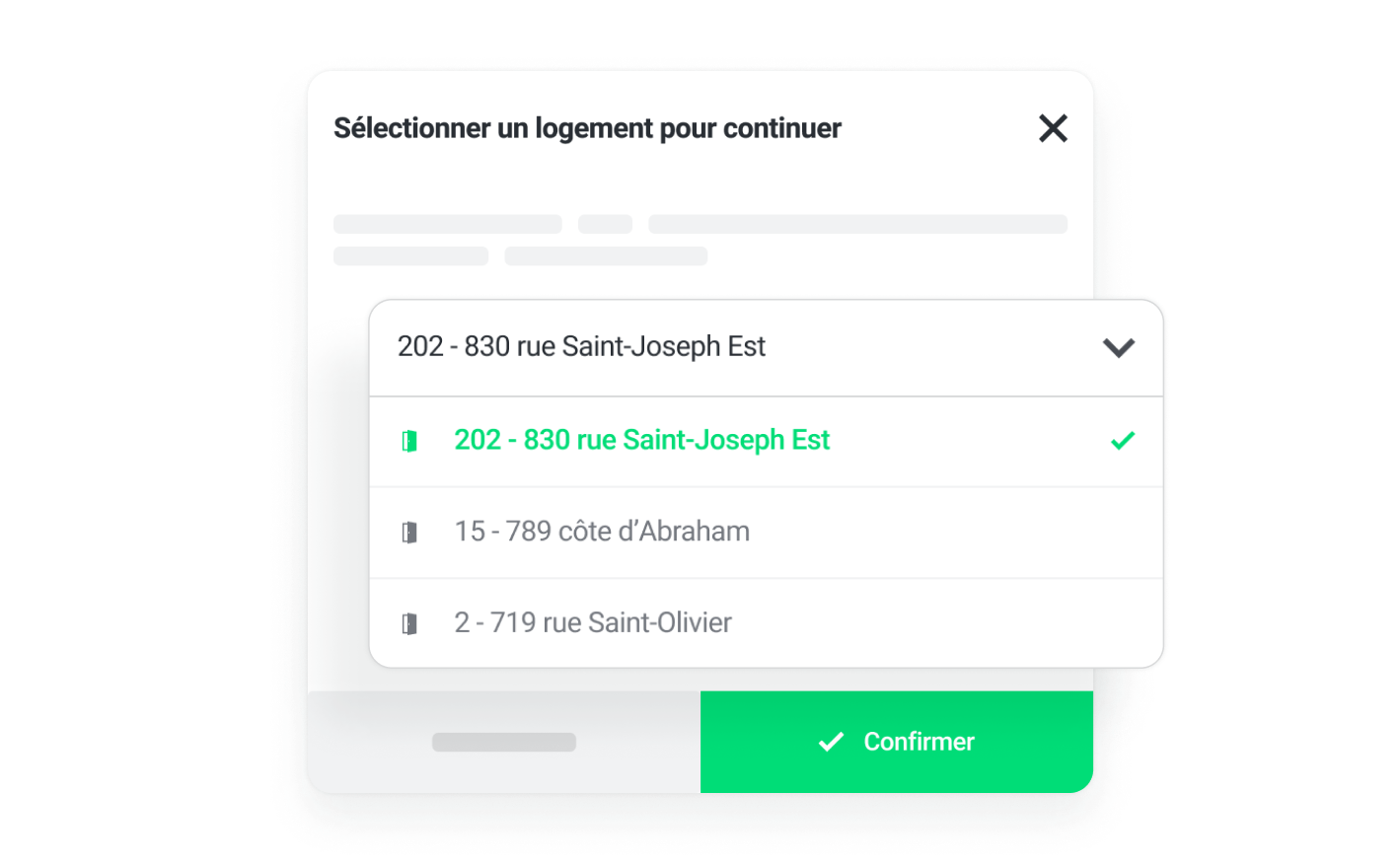
Select your unit
The building address and unit number will automatically be added to section B of the lease.
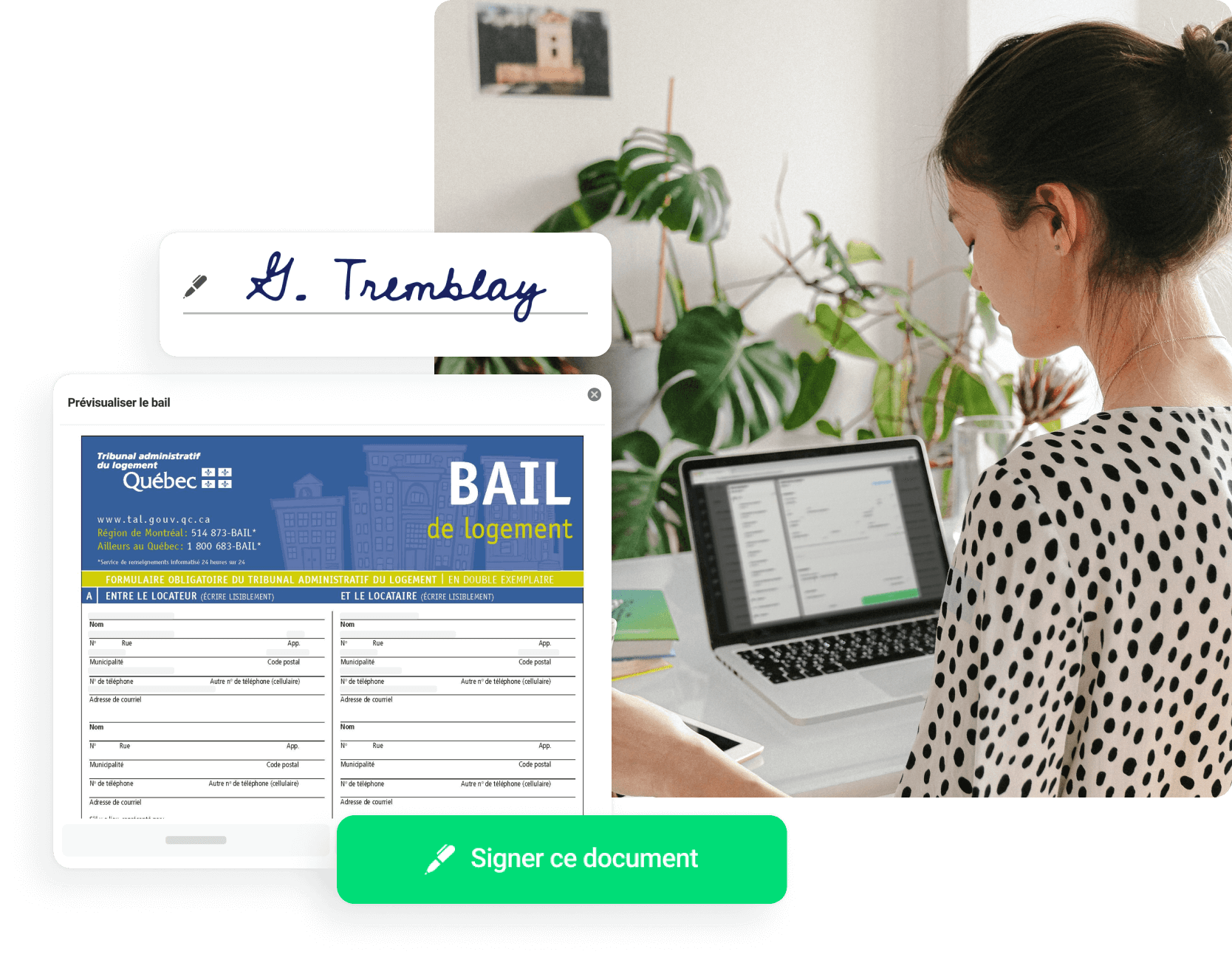
Say goodbye to paper leases and discover how Bloc Solutions' electronic lease will transform your property management. For greater efficiency, configure the inclusions and exclusions of each unit to automatically pre-fill your lease for years to come.
Intuitive, easy, and much faster to complete.
Available at any time on any device
100% compliant and valid with the Tribunal administratif du logement
To generate your first lease, you only need to create your free account and add your information as a landlord. You will then have to enter the information of the units to rent.
The building address and unit number will automatically be added to section B of the lease.
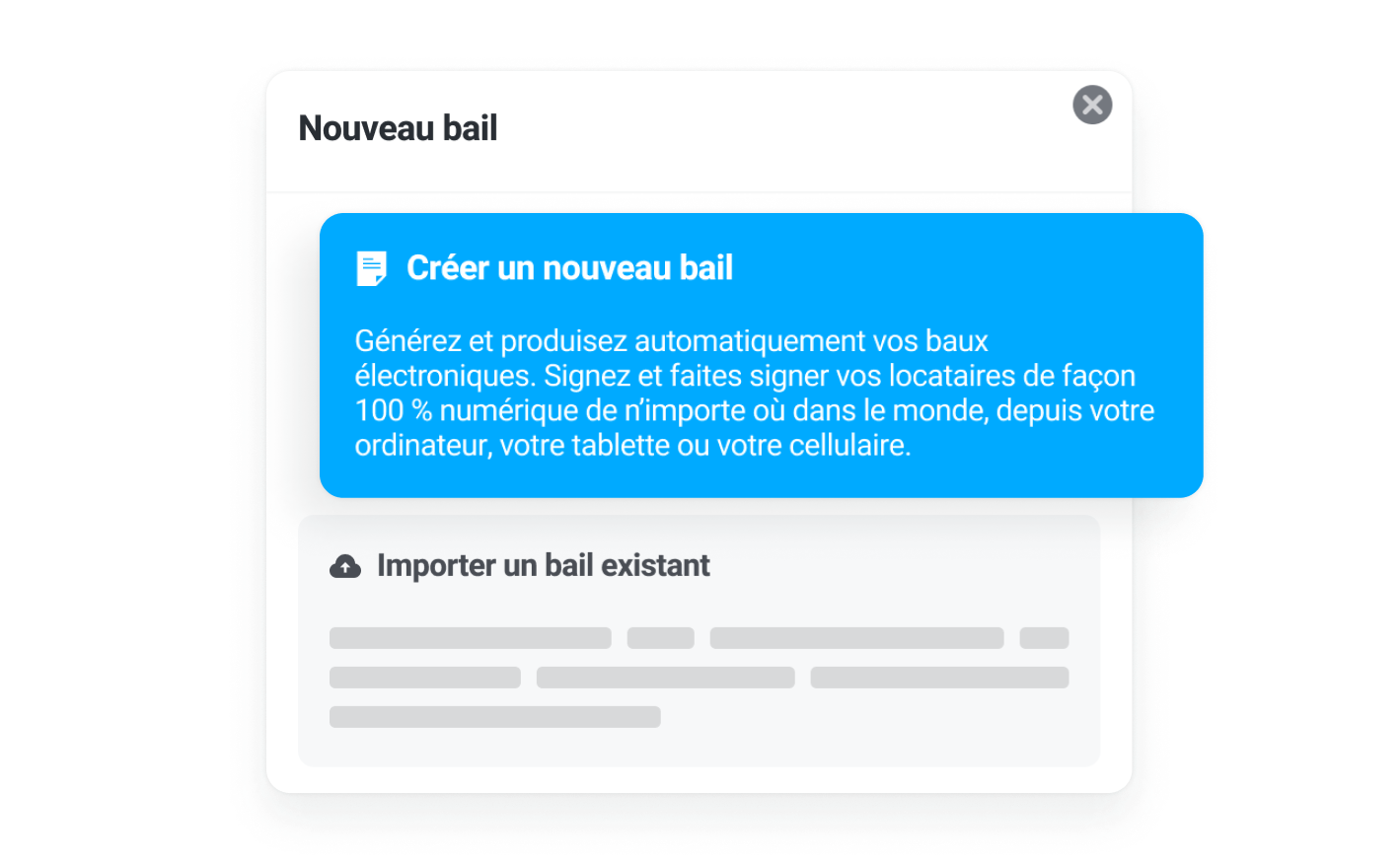
Create a new lease or import your existing leases.
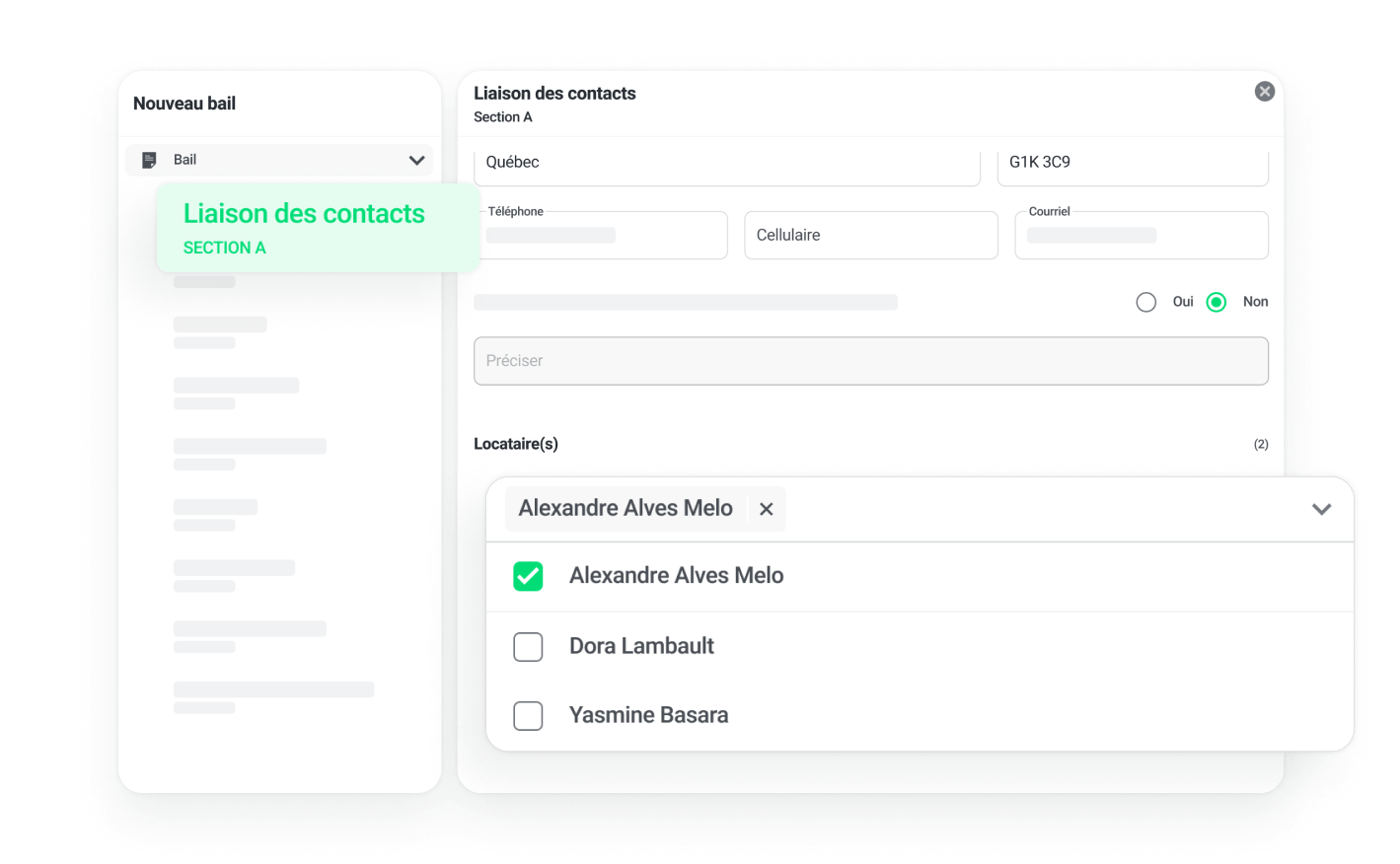
Link the contacts and then complete each section of the official lease. Your lease will automatically import the information from the originally created unit
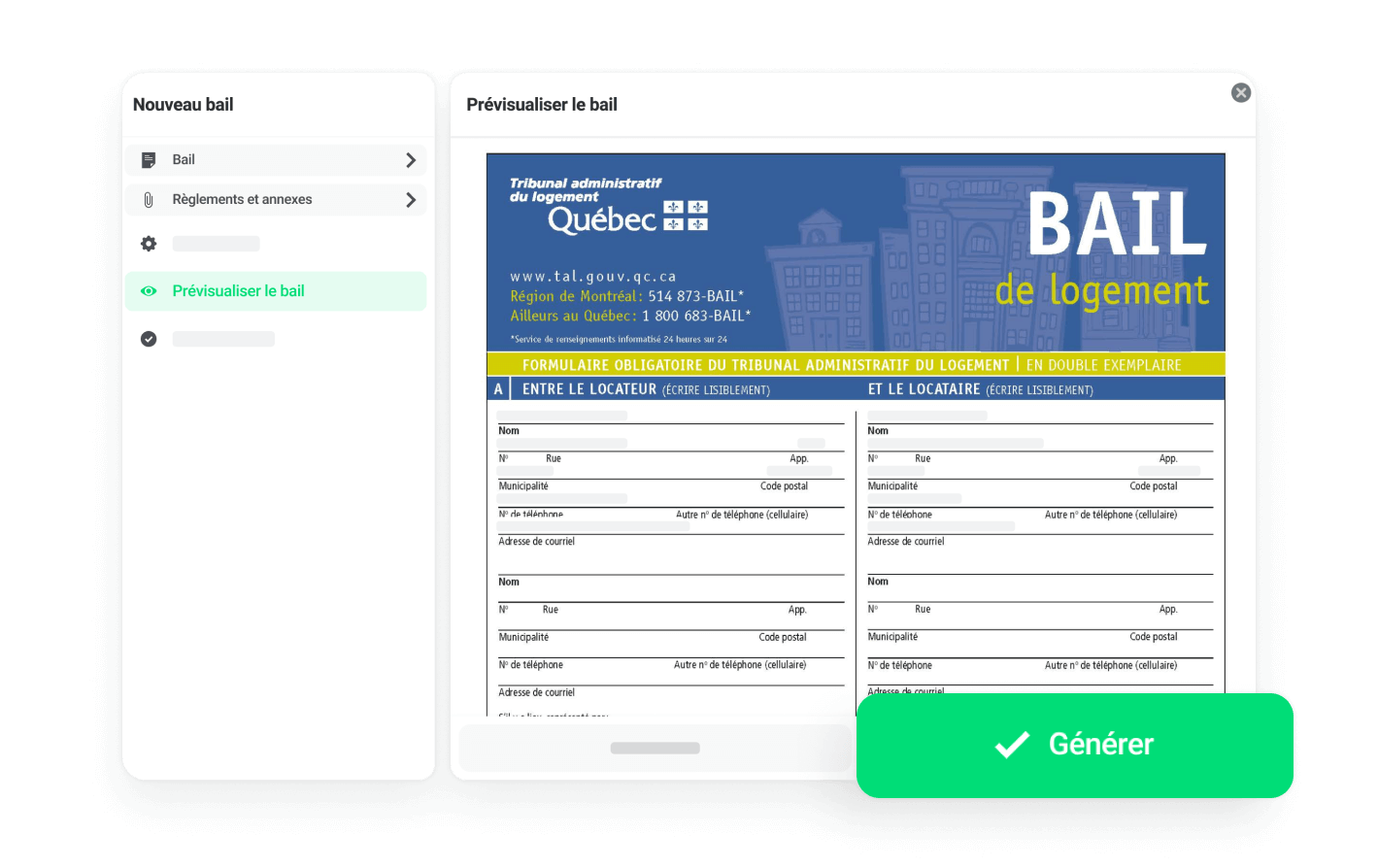
View and edit your official lease before you even pay anything.
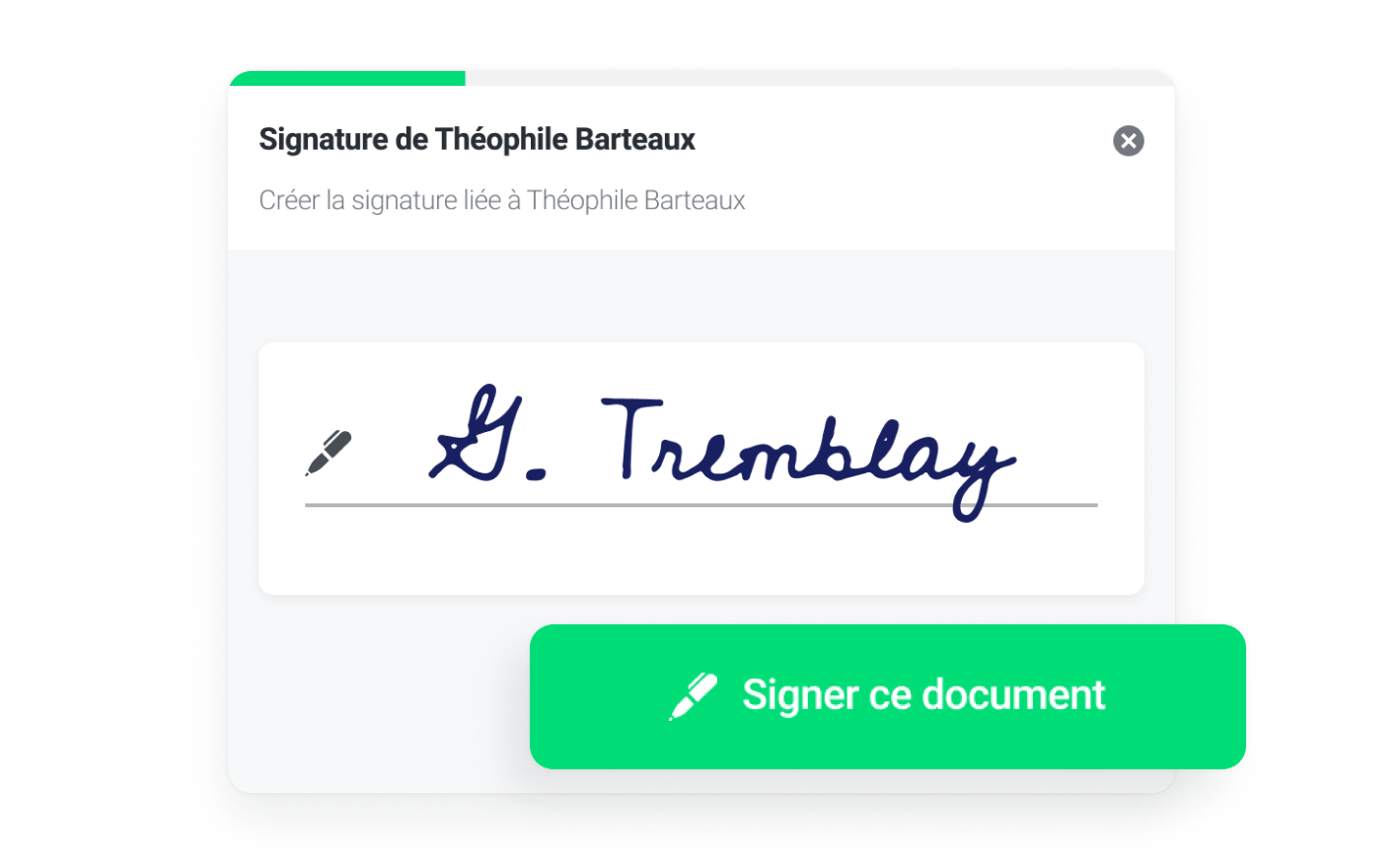
Bloc Solutions allows you to electronically sign your tenants' lease in person, send an email invitation for remote electronic signature or even print it out for hand signing.
The platform's various tools make Bloc Solutions the best solution to ensure the successful transition of your rental operations to digital. View the next step in the rental cycle.
Ensure the collection and follow-up of your rent payments directly through the platform.